
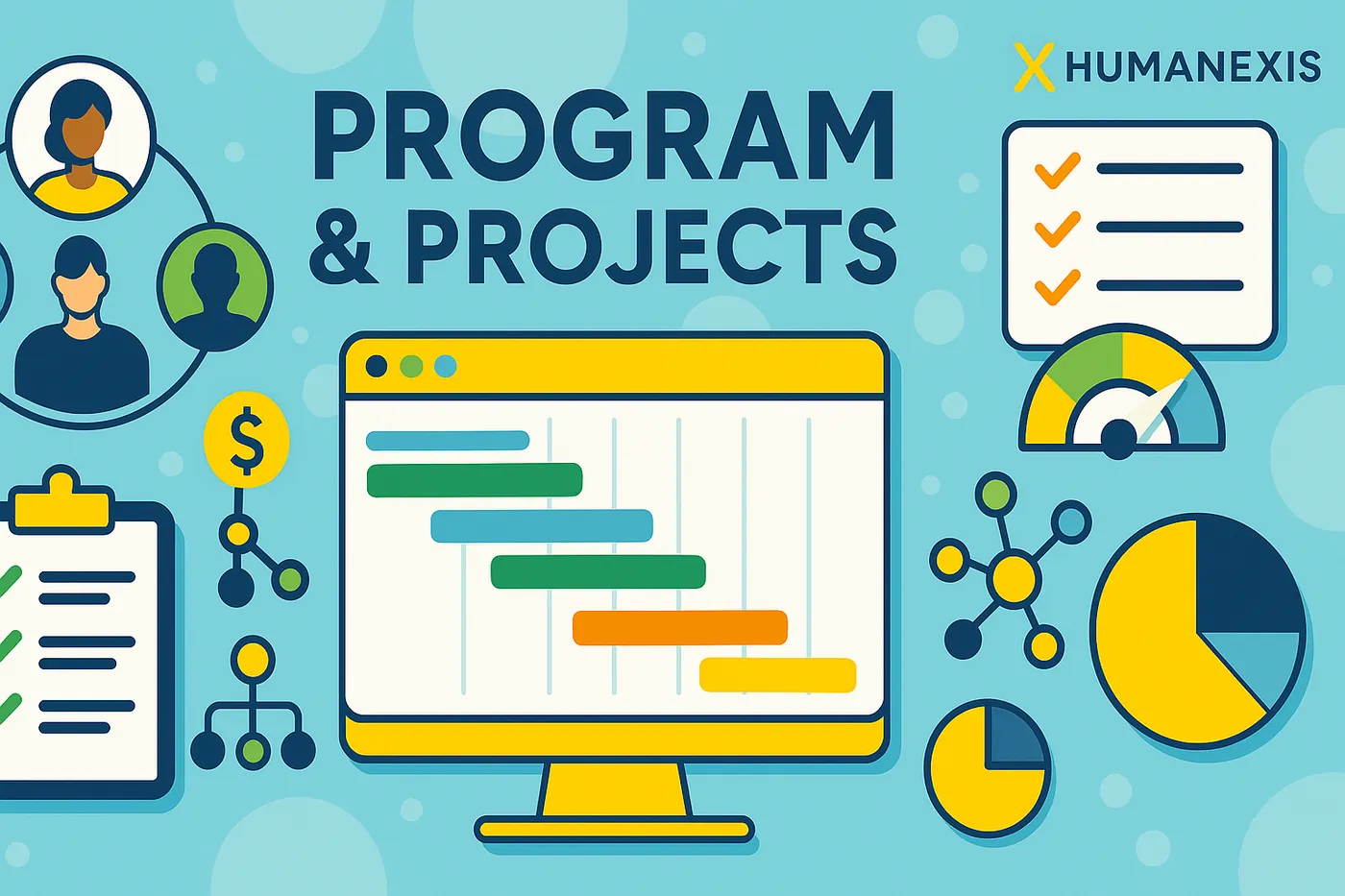
Project portfolio
Manage projects in one operational hierarchy.
Projects, objectives, activities, tasks, budgets, risks and results remain connected instead of being scattered across separate tools.
Built for NGOs, UN partners, development programmes, government teams and distributed organizations that need headquarters, field operations and decision-making to work from the same operational context.

Permissions determine what a user can do. Organizational scope determines where they can do it.
A country representative can see country operations, regional leadership can see the region, headquarters can see global portfolios, project managers can see their projects, and assigned staff can work within their responsibilities.
ERMS keeps programme structure, implementation, M&E, risk, budget and evidence in the same project context.
Projects, objectives, activities, tasks, budgets, risks and results remain connected instead of being scattered across separate tools.
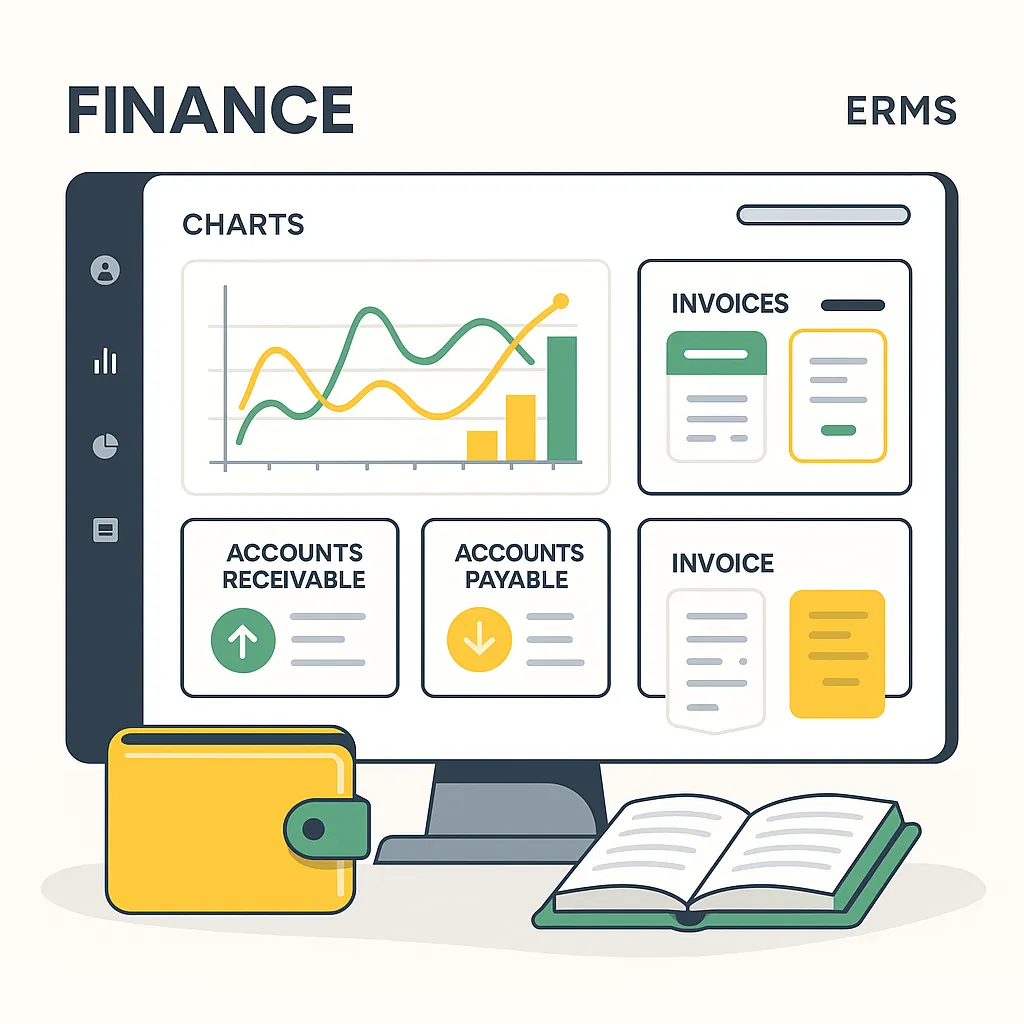
Finance, grants, procurement, inventory and assets can be linked to programme delivery and organizational responsibility.
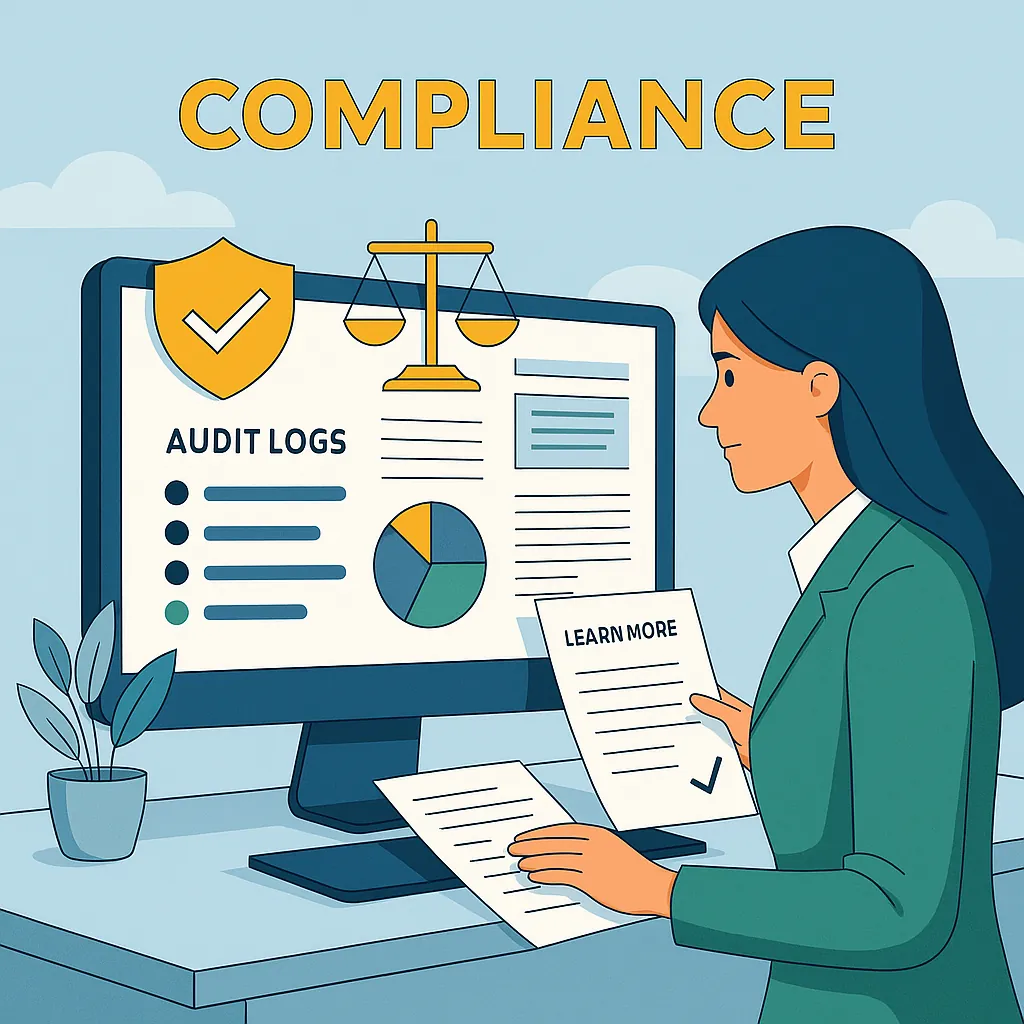
Approvals, permissions, evidence, audit records, risks and compliance controls are part of the operating process rather than an afterthought.
Activities connect to outputs, outputs to outcomes, and outcomes to impact. Indicators, targets, actuals, disaggregation, reporting periods, evidence, assumptions and risks stay in the same results architecture.
Offline capability is more useful when it is part of a controlled synchronization and validation process.

Operational data can move into Analytics Studio, dashboards and GIS without losing the organizational and project context that makes the analysis trustworthy.
The platform connects specialized workflows without pretending every function works the same way.
HR · users · beneficiaries · partners · stakeholders
Finance · grants · procurement · inventory · assets
Programmes · projects · activities · tasks · field operations
Forms · indicators · M&E · documents · analytics · GIS
Permissions · scope · approvals · risk · compliance · audit
Yes. ERMS is configured around your headquarters, regions, countries, field offices and projects, and access follows that structure through roles, permissions and organizational scope.
No. Teams can start with the areas they need, such as programmes, HR or finance, and connect other modules as they are ready. Shared identity, data and access controls keep them working together.
Field teams use Field Tools to capture data offline. Submissions are queued on the device, synchronized when a connection is available and validated before they are used. The apps are available on the Downloads page.
Yes. Company, capability, implementation, support, security and architecture information can be provided for organizational procurement and technical review. See procurement & vendor information and security & trust.
Company, capability, implementation, support, security and architecture information can be provided for organizational procurement and technical review.